







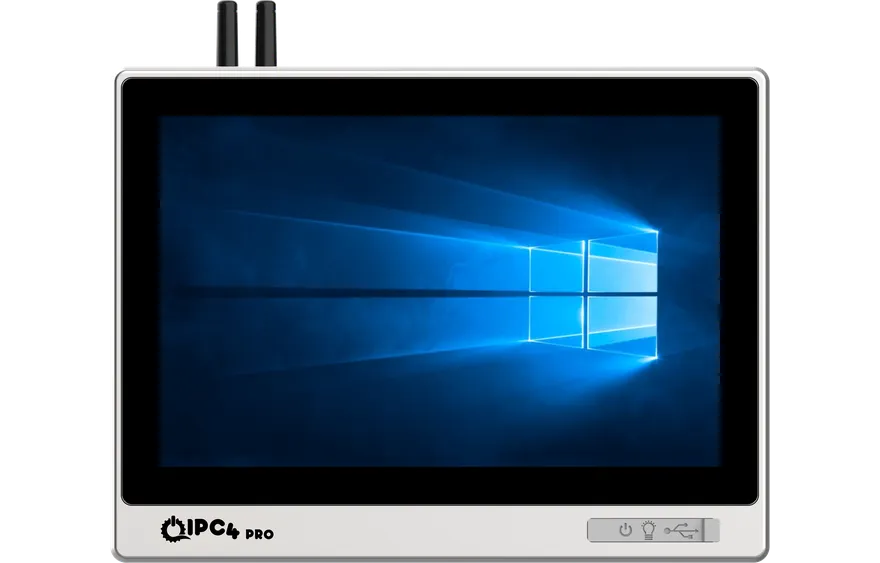
IPC4PRO by ICC
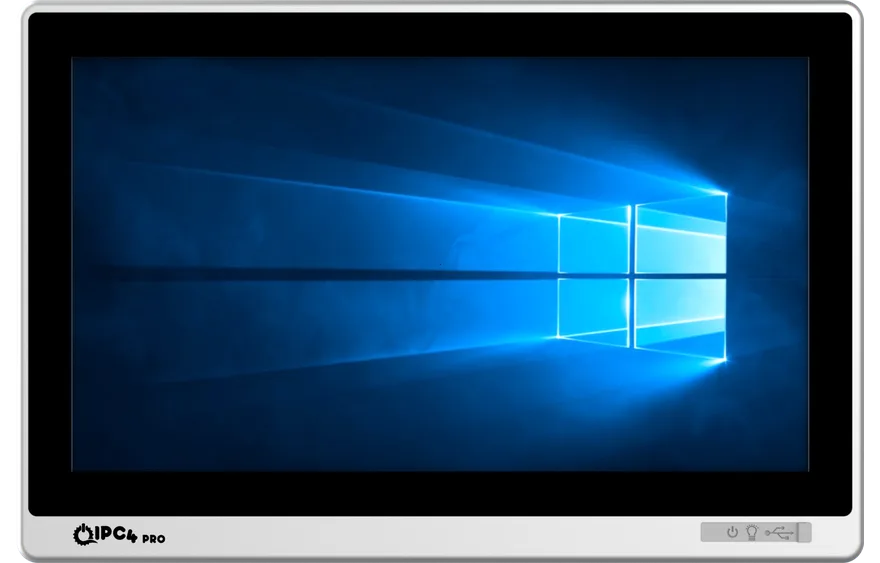
IPC4PRO-101W Industrial Panel PC
IPC4PRO-101W-N10-95
- ProcessorIntel® N95 4 Core 1.70 / 3.40 GHz
- Resolution1280 x 800
- ProtectionIP65 front panel
- Temperature-15°C ~ 60°C
Compare touchscreen, fanless and configurable panel computers for demanding production environments, and work with our engineers to find the right model for your project.
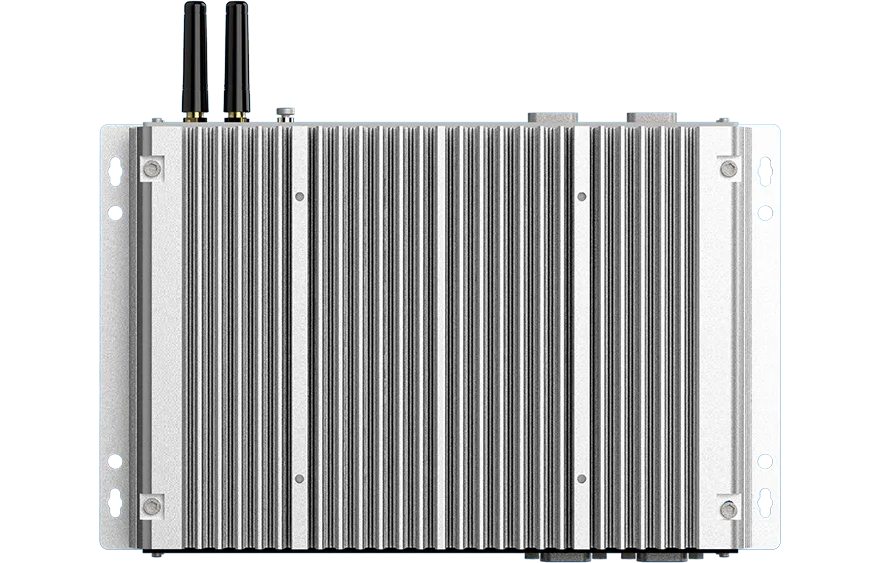
An industrial Panel PC combines a touchscreen, processing power and industrial connectivity in one compact enclosure. Unlike a standard all-in-one computer, it is designed for panel mounting, continuous operation, protection against dust and liquids, and compatibility with automation software. ICC offers options that can be configured to the project, from basic HMI screens to high-performance SCADA and MES workstations.
Performance levels to suit every need — from a compact 10.1 inch operator screen to a 21.5 inch workspace, and from the Intel® Processor N95 to Core™ i5 platforms.
IPC4PRO by ICC
IPC4PRO-101W-N10-95
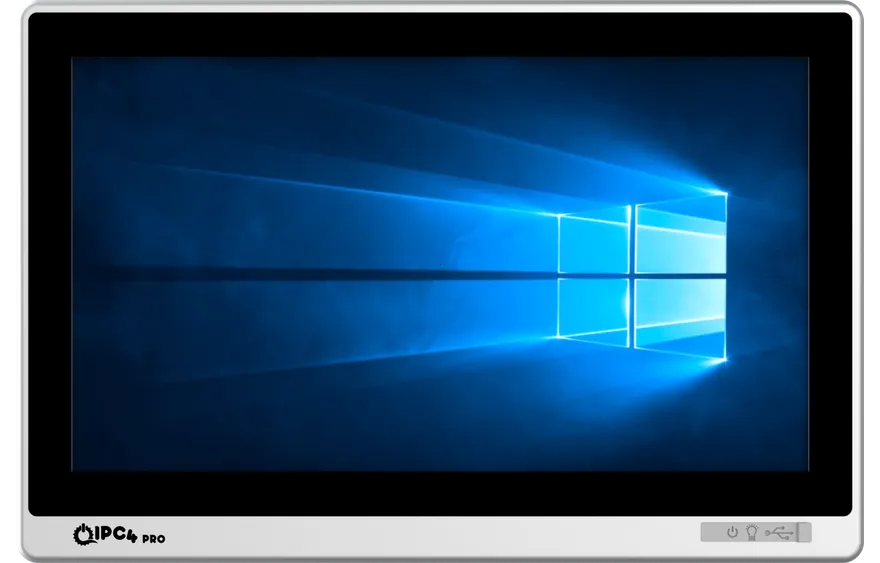
IPC4PRO by ICC
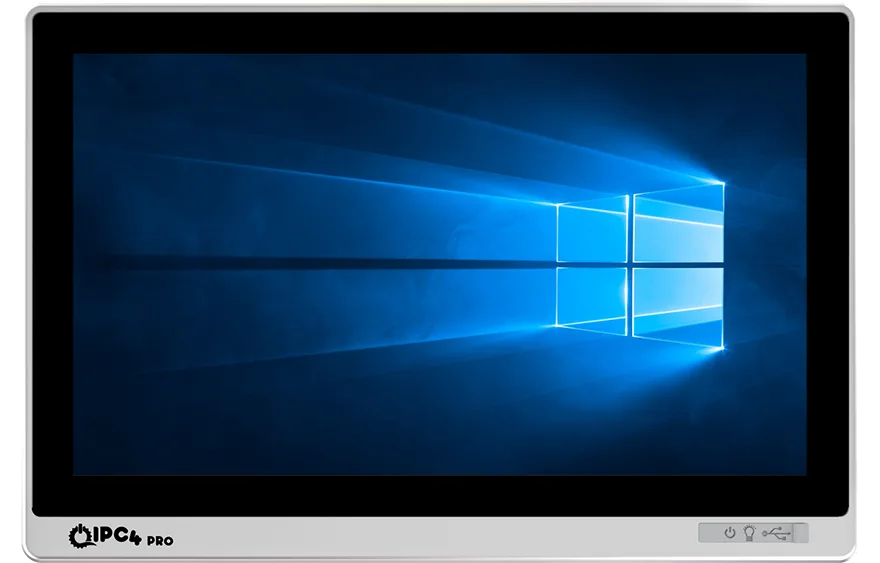
IPC4PRO-156W-N10-95
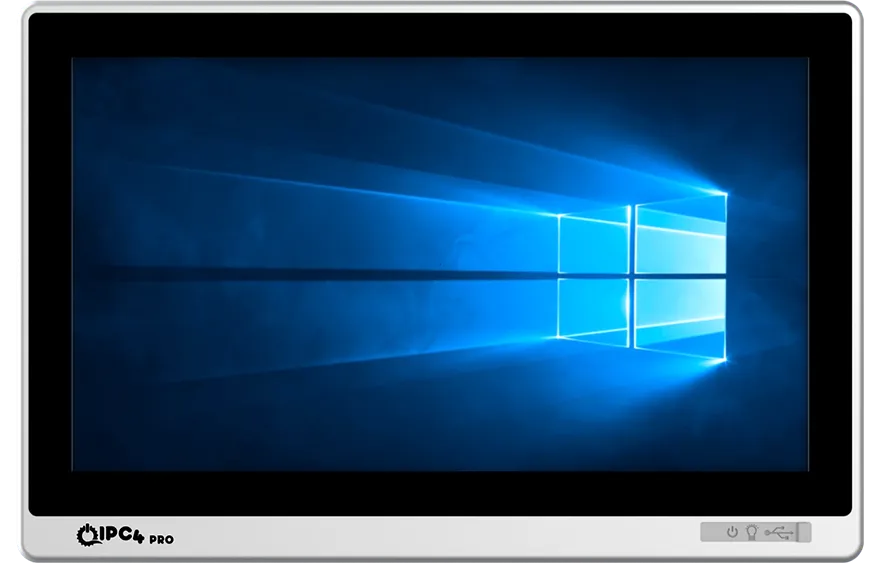
IPC4PRO by ICC
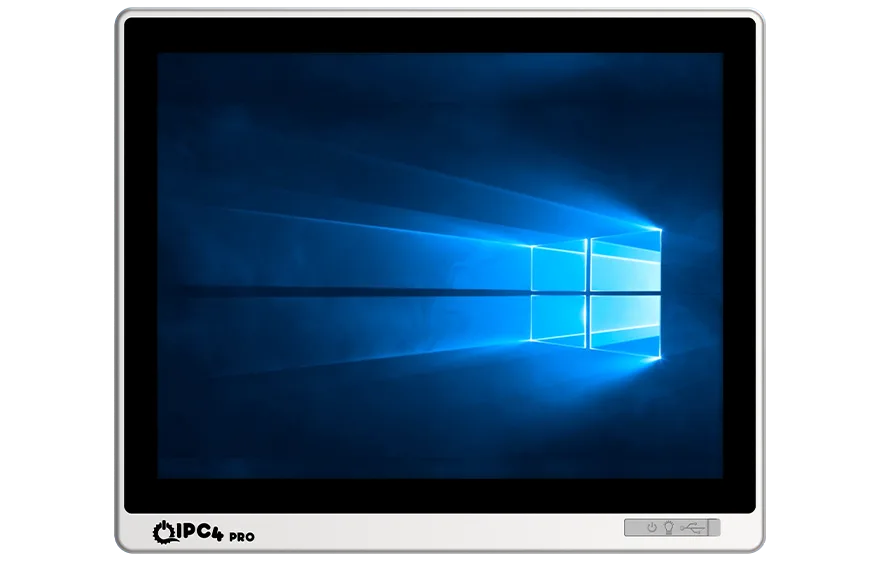
IPC4PRO-173W-N10-95
IPC4PRO by ICC
IPC4PRO-215W-N10-95
Narrow the catalogue by operating environment, screen size, processor and connectivity — or simply describe your application and let ICC engineers put comparable options in front of you.
Before you settle on a screen size, be clear about the job the device has to do.
| Criterion | Industrial Panel PC | Classic HMI | Industrial Monitor |
|---|---|---|---|
| Computer hardware | Integrated processor, RAM and storage | Vendor-specific embedded platform | None — an external PC is required |
| Software flexibility | Windows/Linux applications, SCADA, MES | Limited to specific HMI software | Depends on the computer it is connected to |
| Operator interaction | Touchscreen plus full PC capability | Focused on touch control | Touch optional |
| Best suited to | Multiple applications, data processing and open integration | A simple, fixed machine interface | A display for an existing Box PC or PLC |
Building your specification around these six headings cuts both unnecessary cost and the risk of a mismatch in the field.
For compact machines, 10.1 to 12.1 inch; for dense SCADA screens, 15.6 to 21.5 inch. Measure the cut-out and the viewing distance together.
Resistive for thick gloves and single-point control; PCAP capacitive for multi-touch and a modern interface.
The low-power N series for basic HMI; Core i5/i7 class platforms for SCADA, reporting and image processing.
Check the datasheet for whether the IP rating covers the front panel or the whole housing, and for temperature range, vibration, humidity and wash-down conditions.
Decide on RS232/422/485, LAN, USB, digital I/O and wide-range DC input requirements before the project starts.
Windows or Linux support, drivers, BIOS settings, long-term availability and the service plan all shape the total cost of ownership.
In food production, outdoor use or explosive atmospheres, the housing and its protection matter as much as the processor.
IP65 front panel displays in 304 stainless steel for food, beverage, pharmaceutical and chemical lines.
Sunlight and heatOpen-air applications that need high brightness, readability and a wide temperature range.
Hazardous areaProjects that need a solution certified to the relevant explosive atmosphere classification.
Ergonomic useOperator stations and movable control panels that can be positioned around the machine.
Mobile ecosystemAndroid platform options for web-based, kiosk and light field applications.
External computerA rugged display and touch interface when you already have the computing hardware.
Choose a product on application guides, datasheets and test documents — not on marketing copy alone.
How it differs from a standard computer, the durability testing and the operating conditions.
02The right screen technology for glove use, multi-touch and your working environment.
03Brightness, optical bonding, temperature and IP protection criteria.
04Product catalogues, drivers, certificates and technical downloads.