







1. Introduction: Integrating CODESYS with an Industrial Panel PC
Industrial automation systems are no longer limited to control functions; they also include visualization, data processing, and communication capabilities on the same device. Traditional HMI panels are being replaced by industrial panel PCs as they cannot respond to this versatile structure.
The CODESYS platform is at the center of this transformation. Developed in accordance with IEC 61131-3 standards, CODESYS turns a Windows-based industrial computer into a SoftPLC. Thus, the device takes on both PLC and operator panel functions simultaneously.
Three brands stand out that have successfully implemented this architecture in the field:
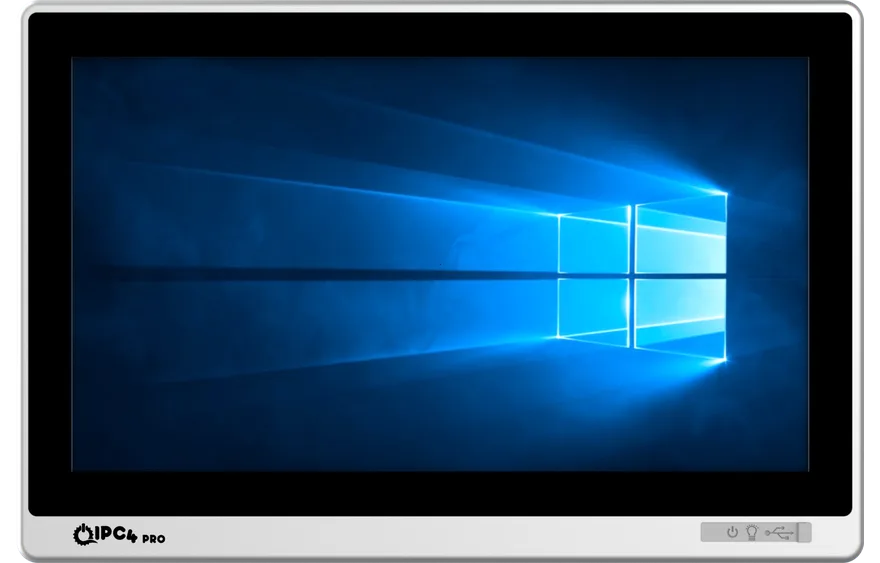
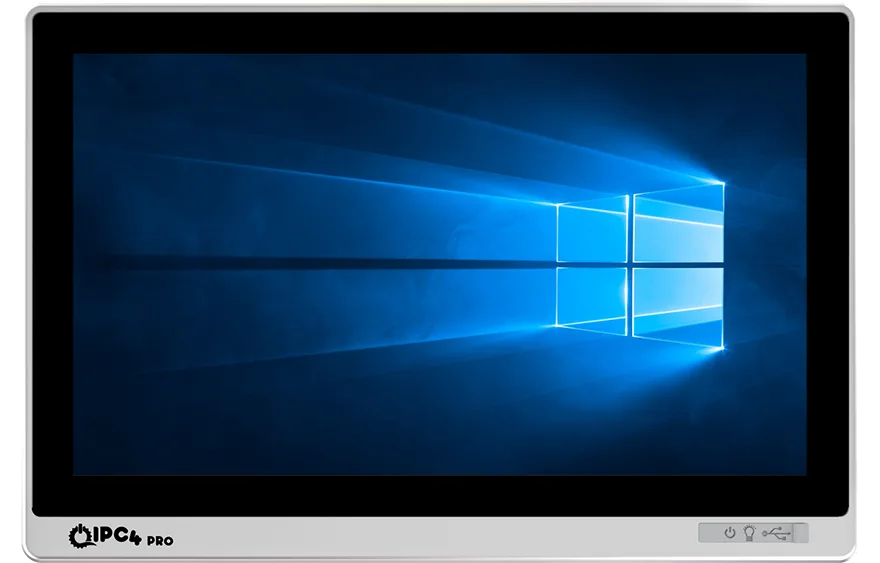
- IPC4PRO: High-performance, EtherCAT-supported professional solutions in the industrial panel PC segment.
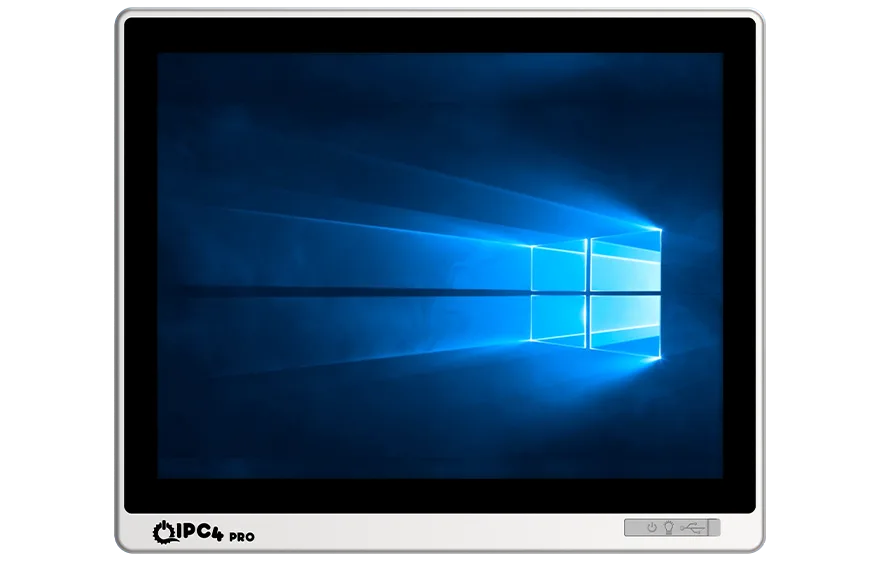
- IPC4: Compact, economical, and energy-efficient industrial PC family.
- AAEON: A global industrial computer manufacturer known for AI-supported edge computing platforms, part of the ASUS group.
This document explains, step by step, how to install and configure CODESYS on an industrial computer, how to enable EtherCAT communication and how to use the device as an operator panel.
2. Sistem Gereksinimleri
Recommended hardware requirements for CODESYS V3.5 Development System and Control Win SL Runtime installations:
| Component | Minimum Requirement | Recommended (IPC4PRO Level) |
|---|---|---|
| Operating System | Windows 10 (64-bit) | Windows 11 IoT Enterprise |
| Processor | Intel Celeron J6412 | Intel Core i5/i7 12th Generation |
| RAM | 4 GB | 16 GB DDR4 |
| Storage | 64 GB SSD | 256 GB NVMe SSD |
| Display | 1366x768 | 1920x1080 Capacitive Panel |
| Protection | IP54 | IP65 Front Panel |
| Ports | 2xLAN, 4xUSB | 4xLAN, 6xUSB, 2xCOM |
The IPC4PRO series is optimized for CODESYS with EtherCAT-supported Intel I210/I225 network chips.
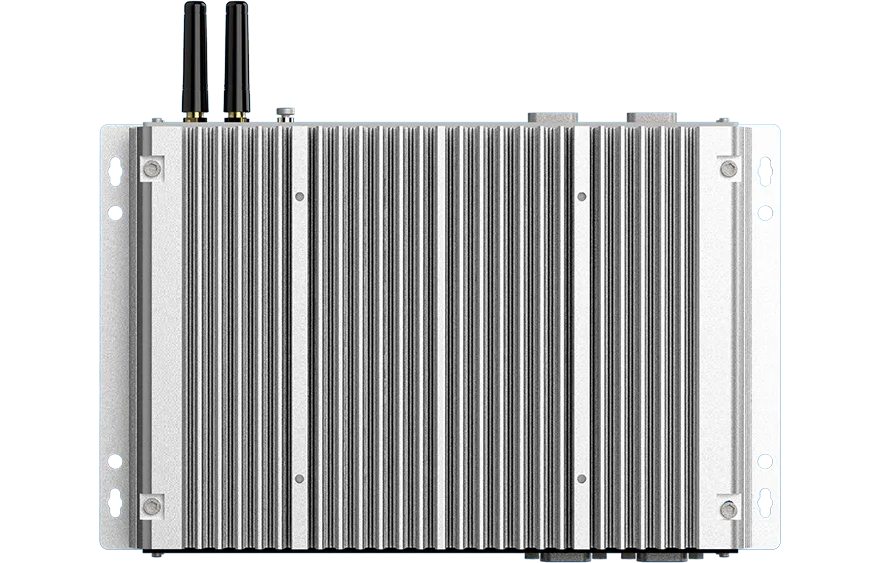
IPC4 series is preferred in production lines, energy facilities, and automation panels; AAEON systems are used in edge applications with AI integration.
3. CODESYS Development System Installation
3.1 Downloading the Software
- store.codesys.com adresine gidin.
- Download "CODESYS Development System V3" and sign in to your account.
- Save the latest version file (e.g., CODESYS_3.5.21.0.exe).
3.2 Installation Steps
- Double-click the installation file and run the wizard.
- Accept the license terms, check the Complete Setup option.
- Keep the default directory (C:\Program Files\CODESYS).
- Restart the computer once the installation is complete.
On IPC4PRO and AAEON systems this requires no BIOS changes; it runs fully compatibly from within Windows.
4. CODESYS Control Win SL Runtime Kurulumu
4.1 Purpose
CODESYS Control Win SL turns a Windows-based industrial computer into a SoftPLC. This runtime allows the industrial panel PC to perform both control and HMI functions simultaneously.
4.2 Installation
- Download the "CODESYS Control Win SL" package from CODESYS Store.
- Once the installation is complete, the CODESYS Control Win icon will appear in the system tray.
- If the icon is green, the runtime is running; if red, it means it is stopped.
- Manual start is also possible from the services.msc screen.
4.3 Configuration
After installation, in the C:\ProgramData\CODESYS\CODESYSControlWinV3\CODESYSControl.cfg file:
- Port number (default 1217),
- Device name,
- Automatic operation (AutoRun=True) parameters can be edited.
This feature ensures that the PLC is automatically activated when the device is restarted in the field, especially in IPC4PRO systems.
4.4 EtherCAT Support (Standard in IPC4PRO Series)
EtherCAT is essential for CODESYS.
CODESYS natively supports the EtherCAT protocol for deterministic and high-speed field communication. Real-time control and servo synchronization are achieved through EtherCAT.
IPC4PRO series industrial panel PCs include EtherCAT support as standard hardware.
The Intel I210 / I225 / I226 Ethernet controllers on the motherboard are recognized directly by CODESYS as EtherCAT Masters.
Advantages:
- No need for external PCI or USB adapters.
- CODESYS automatically detects the LAN ports on IPC4PRO as EtherCAT ports.
- Servo control, robotic motion, and multi-axis applications are possible with a cycle time of under 1 ms.
IPC4 series offers EtherCAT support optionally.
In AAEON BOXER and AAEON Panel PC models, the EtherCAT network is configured with internal Intel LAN controllers or external NIC-ECAT modules.
EtherCAT Master Configuration
- Right-click on "Device" in the CODESYS project tree.
- Select "Add Device → EtherCAT Master".
- Specify the Intel I210/I225 port as the network card.
- Scan for field slave devices using the "Scan for Devices" command.
- CODESYS automatically detects Beckhoff I/O modules and servo drives.
This process works directly on IPC4PRO devices without requiring additional drivers.
5. Operator Panel (Visualization) Configuration
CODESYS includes a built-in Visualization Manager as an alternative to classic HMI software.
This module creates interactive operator interfaces running on the touch screen of the industrial panel PC.
High-resolution capacitive screens on IPC4PRO and AAEON devices are fully compatible with CODESYS interfaces.
5.1 Creating Visualization
- Add "Add Object → Visualization" in the project tree.
- Create Start/Stop buttons, indicators, counters, and trend graphs.
- Assign as "Target Visualization" and activate full-screen mode.
- Set "Refresh Rate = 100 ms" to provide optimal response time.
The industrial Panel PC now performs both controller and operator panel (HMI) duties in a single device.
6. Lisanslama
A license is required for the permanent operation of the CODESYS Control Win SL runtime.
6.1 License Types
- Soft License: The license is saved to the hard disk (ideal for IPC4PRO and IPC4).
- Dongle License: The license is loaded onto a USB dongle (recommended for AAEON systems).
6.2 Activation
- Go to "Tools → License Manager" in CODESYS.
- Select the target device (e.g., "CODESYS Control Win V3 @ IPC4PRO").
- Enter the Ticket ID with the "Install License" option.
- Once the license is successfully loaded, the runtime switches to unlimited operation.
The demo mode is limited to 120 minutes; when the time expires, the runtime switches to "Stop" mode.
7. Sample Application: SoftPLC + Operator Panel
7.1 Project Setup
Create a new project, select CODESYS Control Win V3 x64 as the device.
Ladder Diagram (LD) or Structured Text (ST) can be used as the programming language.
A simple conveyor control example:
IF Start THEN
    Motor := TRUE;
END_IF;

IF Stop THEN
    Motor := FALSE;
END_IF;
In the CODESYS Visualization interface, "Start" and "Stop" buttons are created and linked to these variables.
7.2 Operator Panel Integration
When the Visualization interface is run on the touch screen of IPC4PRO:
- The operator activates the motor output when touching the "Start" button.
- The PLC output turns off when the "Stop" button is pressed.
In this scenario, all control and monitoring operations are performed in a single system without the need for an additional HMI device.
8. Running on Real Device
8.1 Device Identification
The development computer and the industrial panel PC must be on the same network.
Add the device IP address from CODESYS Gateway settings using Add Gateway → TCP/IP option.
Scan the device using the "Scan Network" command and find it.
8.2 Project Upload
Connect using "Online → Login" and confirm the project download.
The runtime version must match the project device profile (e.g., both x64).
8.3 EtherCAT Network Configuration Example
Field Equipment:
- Main Control Device: IPC4PRO-156W-i510-1135G7
- Fieldbus: EtherCAT
- Slave 1: Beckhoff AX5000 Servo Drive
- Slave 2: Beckhoff EK1100 Terminal Module
- Slave 3: EL1008 Digital Input, EL2008 Digital Output
Steps:
- Add the EtherCAT Master device to the project.
- Automatically find the above modules using the "Scan for Devices" command.
- The modules will appear sequentially in the device tree.
- Map the I/O addresses (e.g., %I0.0, %Q0.0) to variables in the program.
- Compile the project and download it to the IPC4PRO device.
CODESYS synchronizes the EtherCAT network in real-time.
The position commands (AXIS_REF) of the servo drives and digital signals are updated with millisecond precision.
This structure provides significantly higher speed and deterministic control compared to classic PLC systems.
9. Performance and Reliability
9.1 System Optimization
- The Windows power mode should be "High Performance".
- Turn off unnecessary services (Defender, Windows Update, etc.).
- Separate the dual LAN ports of IPC4PRO as field network (PLC) and factory network (MES/SCADA).
9.2 Security
- Define a password for the CODESYS Gateway.
- Protect project files with a password.
- TPM 2.0 security module should be activated on AAEON devices.
10. Troubleshooting
| Issue | Cause | Solution |
|---|---|---|
| Runtime does not start | License has expired | Restart the service or license it |
| Touch does not work | Driver missing | Install IPC4/AAEON driver |
| Cannot connect to PLC | Firewall block | Open port 1217 |
| Device not visible on EtherCAT network | Incorrect NIC selection | Select Intel I210/I225 port |
| Visualization freezes | Low refresh rate | Set to 100 ms |
11. Conclusion
CODESYS is a software platform that transforms industrial computers into fully equipped control systems.
When used with IPC4PRO, IPC4, and AAEON series, a single device operates as both a SoftPLC and an operator panel.
Thanks to EtherCAT integration, systems achieve speed and stability equivalent to real PLCs.
This structure:
- Eliminates the distinction between classic HMI + PLC,
- Reduces installation time in the field,
- Lowers service and maintenance costs,
- Creates a flexible foundation for the digital factories of the future.
The combination of IPC4PRO + CODESYS + EtherCAT is the new standard of modern industrial automation:
One device, dual function — control and visualization together.