







1. Introduction
The Omron Sysmac platform integrates all automation components from NJ and NX series controllers to HMI panels and servo drives under a single engineering software.
In classic systems, HMI (for example, NA or NB series) and engineering computers are separate devices. However, industrial panel PCs combine these two functions into a single device, allowing both control and monitoring functions to be performed on the same hardware.
This article details the installation of Omron Sysmac Studio on an industrial panel PC, the use of the panel PC instead of HMI, and the configuration of Soft-NA/CX-Supervisor.
The IPC4PRO series, IPC4 series, and AAEON OMNI / BOXER series are referenced as example hardware platforms.
2. Hardware Requirements and System Architecture
2.1 Suitable Hardware Selection
Industrial panel PCs must run engineering software like Sysmac Studio, which requires high CPU power in addition to HMI tasks, making device selection critical.
| Component | Minimum Requirement | Recommended Level |
|---|---|---|
| Processor | Intel Celeron J6412 / N5105 | Intel Core i5-1135G7 or i7-1255U |
| Memory | 8 GB DDR4 | 16 GB or more |
| Storage | 128 GB SSD | 256 GB NVMe Industrial SSD |
| Display | 10.1″ Touch | 15.6″ or 21.5″ Full HD P-CAP Touch |
| Ports | 2×LAN, 4×USB, RS-232 | Isolated LAN + RS-485 + HDMI Output |
| Protection | IP65 Front Panel | IP66 or full metal case |
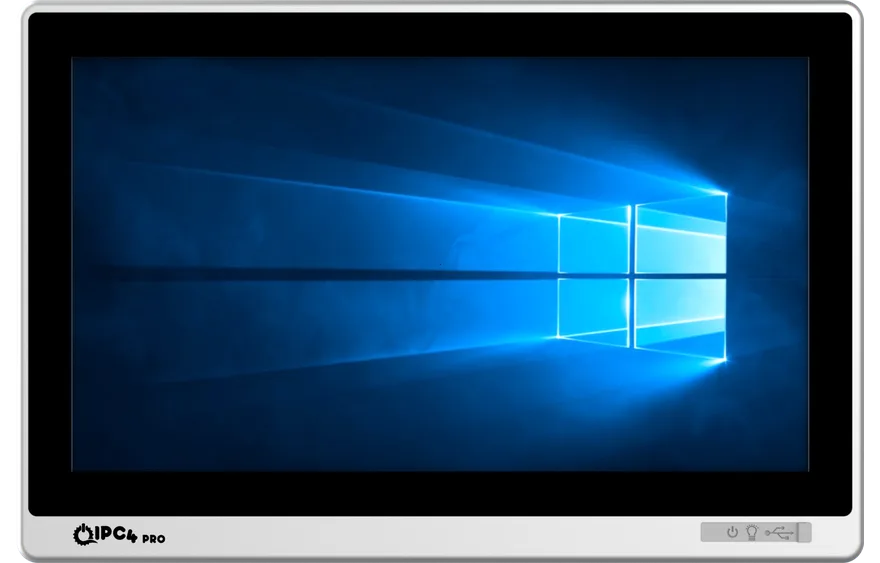
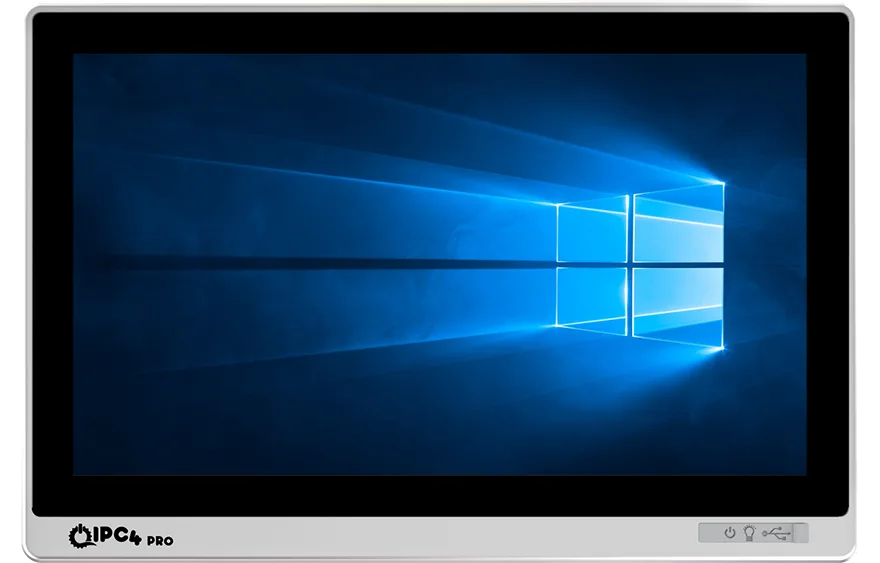
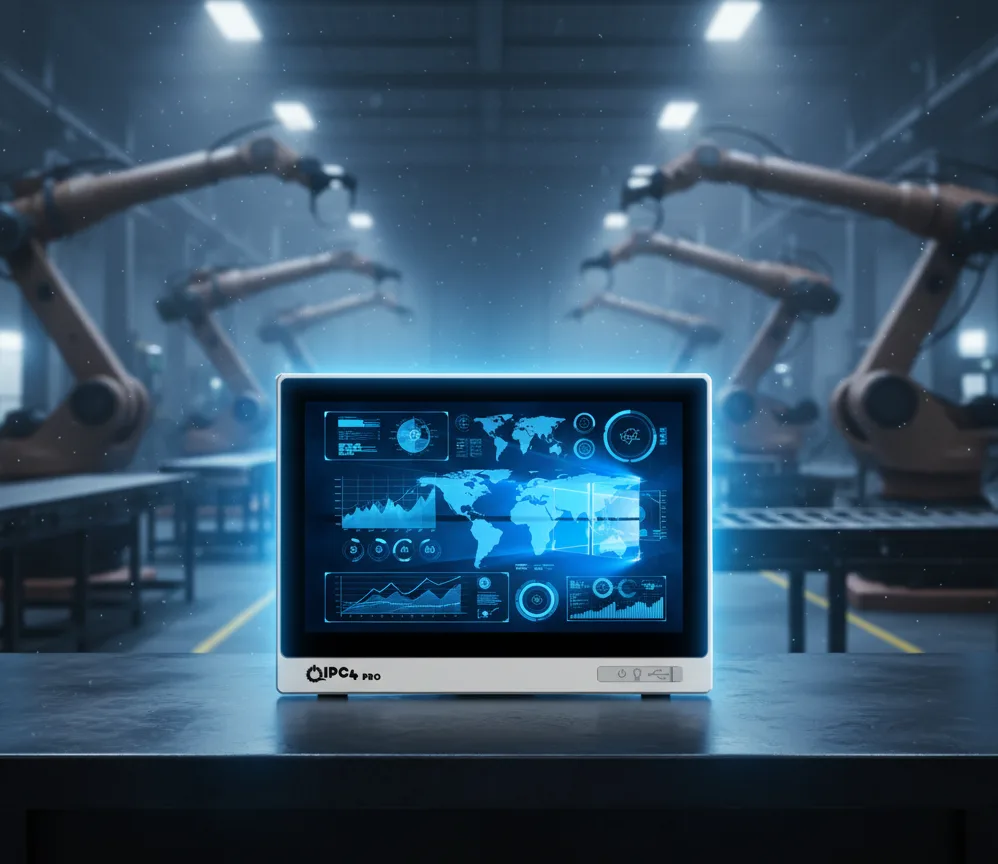
The IPC4PRO series is designed for 24/7 operation with IP65 protection, fully compatible with the Omron Sysmac architecture.
Example models:
- IPC4PRO-156W-i510-16128 → 15.6″ Full HD, Intel i5-1135G7, 16GB RAM, 128GB SSD
- IPC4PRO-215W-i710-32512 → 21.5″ screen, Intel i7-1255U, 32GB RAM, 512GB SSD
These models can run HMI runtime software like Soft-NA and CX-Supervisor seamlessly.
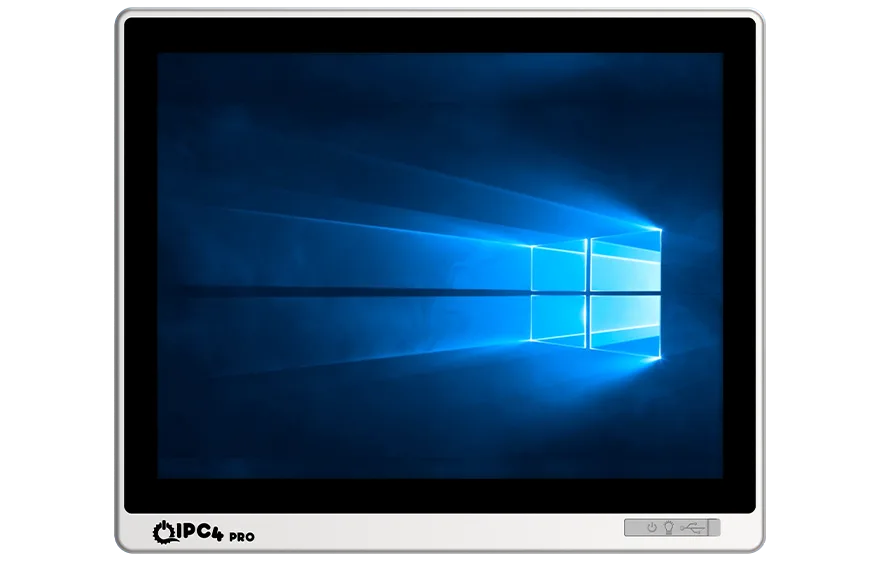
The IPC4 series offers the same quality with more economical configurations; for example, the IPC4-156W-C10-6412 model (Intel Celeron J6412) is suitable for basic HMI applications.
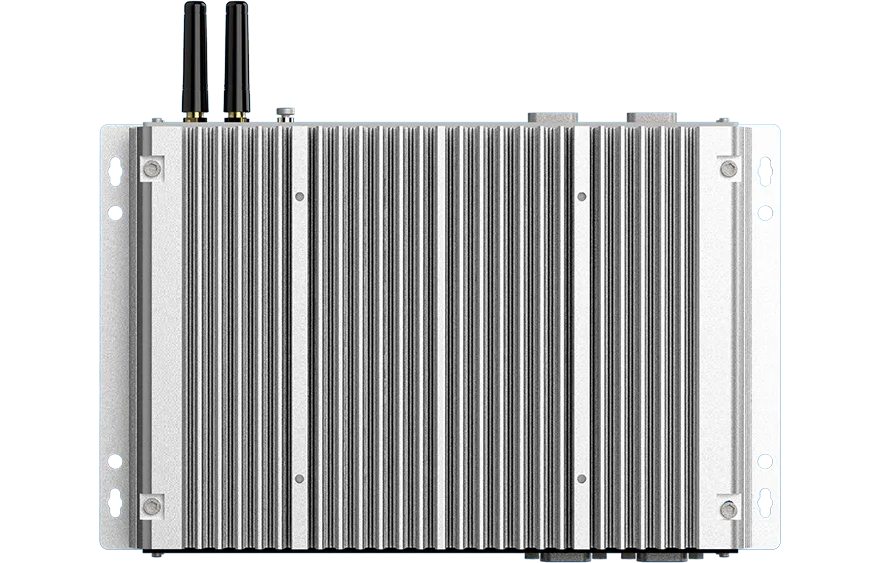
Panel PCs such as the AAEON OMNI-2155-A10 and BOXER-8640AI are also compatible with a Sysmac Studio installation and Ethernet/IP communication. With its industrial-grade fanless architecture, AAEON delivers long-term operating stability in the field.
3. Preparing the Operating System
Before installation, the appropriate operating system must be loaded onto the panel PC.
Omron Sysmac Studio only works on Windows 10/11 64-bit systems.
- Install Windows 10 IoT Enterprise LTSC 64-bit.
- Install drivers provided by the manufacturer (touch, LAN, graphics, chipset).
- Disable sleep mode in power settings, enable Power-On after Power Loss in BIOS.
- Enable .NET Framework 3.5 and .NET 4.8 components.
IPC4PRO models usually come with a ready Windows image; only user configuration is required.
4. Omron Sysmac Studio Installation
4.1 Installation Steps
1. Obtaining the Installation File
Download the latest version of Sysmac Studio from the Omron Automation website.
Recommended: v1.60 or higher versions.
2. Starting the Installation
Run the installation file (Setup.exe) as an administrator.
3. Installing Required Components
- Microsoft Visual C++ 2008–2015 Redistributables
- .NET Framework 4.8
- WinPcap (for network scanning)
- Omron USB and Ethernet drivers
4. Driver Approvals
Windows driver signatures are approved:
- "Omron USB Serial Driver"
- "Omron Ethernet/IP Driver"
- "NA5 USB Client Driver"
5. After Installation Completion
The system is restarted.
6. License Activation
- The software is activated by inserting a hardware dongle or entering an online activation code.
- After activation, Sysmac Studio opens in full version mode.
5. Installing Soft-NA or CX-Supervisor
5.1 Soft-NA (Omron NA Software Version)
Soft-NA is the software-based version of NA5 HMI panels and runs on Windows.
Installation:
- Run the Soft-NA installation file.
- Import the HMI project created in Sysmac Studio.
- Adjust the PC's screen resolution according to the HMI interface (e.g., 1920×1080).
- Insert the USB license dongle.
- Add Soft-NA as an automatic startup application.
With this installation, devices like IPC4PRO-156W-i510-16128 or AAEON OMNI-2155 take on the role of the NA5-15W panel software-wise.
5.2 CX-Supervisor (PC-Based SCADA/HMI)
CX-Supervisor is HMI/SCADA software that runs on a PC.
It supports EtherNet/IP and FINS protocols.
With data logging, alarm management, and OPC UA connectivity features, it is more flexible than Soft-NA.
Both Sysmac Studio and CX-Supervisor can run smoothly on IPC4 and IPC4PRO devices simultaneously.
6. PLC – Panel PC Integration
6.1 Ethernet/IP Settings
- NJ/NX controller IP address: 192.168.250.1
- Panel PC IP address: 192.168.250.10
- Subnet mask: 255.255.255.0
- Connection is established via the Work Online command in Sysmac Studio.
6.2 Variable Sharing
- Global Variables are created on the PLC side (e.g., GVL_Start, GVL_Speed, GVL_Alarm).
- These variables are linked as tags in the HMI software (Soft-NA or CX-Supervisor).
- Sysmac Studio automatically synchronizes the variables.
6.3 OPC UA and FINS Communication
- OPC UA server is enabled on NX1P2 or NX102 series controllers.
- Connection is established on the Panel PC via OPC UA client (e.g., CX-Supervisor or InduSoft).
- The FINS/TCP protocol can be used as an alternative.

7. Testing, Commissioning and Backup
- Connection Test: Controller Connection Test is performed in Sysmac Studio.
- HMI Function Test: Button, indicator, and alarm screens are tested.
- Performance Monitoring: CPU load and network latency are checked.
- Data Logging: Trend graphs and alarm history functions are tested.
- Backup:
- Sysmac Studio project file (.smc2)
- Soft-NA or CX-Supervisor project file (*.nsx / .csv)
- Windows system image
In IPC4PRO models, the SSD backup time is usually between 3–5 minutes.
8. Sectoral Application Scenarios
8.1 Packaging Line
The IPC4PRO-156W-N10-97 panel PC is used instead of the NA panel with the Sysmac Studio + Soft-NA combination.
Servo axis control over EtherCAT network, parameter adjustment, and alarm management are performed on the same device via the HMI screen.
8.2 Food and Filling Lines
The IPC4PRO-215W-i710-1255 panel PC takes on process monitoring, recipe management, and data logging functions thanks to its 21.5″ wide screen.
IP65 protection class is suitable for operation after cleaning in food facilities.
8.3 Robotics and Machine Vision
The AAEON BOXER-8640AI panel PC communicates with the NJ controller over EtherNet/IP; it can run machine vision functions configured in Sysmac Studio.
9. Conclusion
Omron Sysmac Studio can operate at full performance on industrial panel PC platforms.
The interfaces offered by NA or NB series HMIs can be recreated one-to-one on IPC4PRO, IPC4, or AAEON panel PCs with Soft-NA or CX-Supervisor.
This structure,
- reduces hardware complexity,
- facilitates spare parts management,
- expands remote access and maintenance capabilities.
Result: The use of industrial panel PCs instead of HMIs in modern automation systems has become a new standard in terms of both engineering and operational efficiency.