







At the heart of industrial automation systems are two elements: powerful engineering software and field-appropriate industrial hardware. Siemens TIA Portal and WinCC software are indispensable tools for automation engineers, but the stability of these software applications directly depends on the design quality of the industrial panel PC they run on.
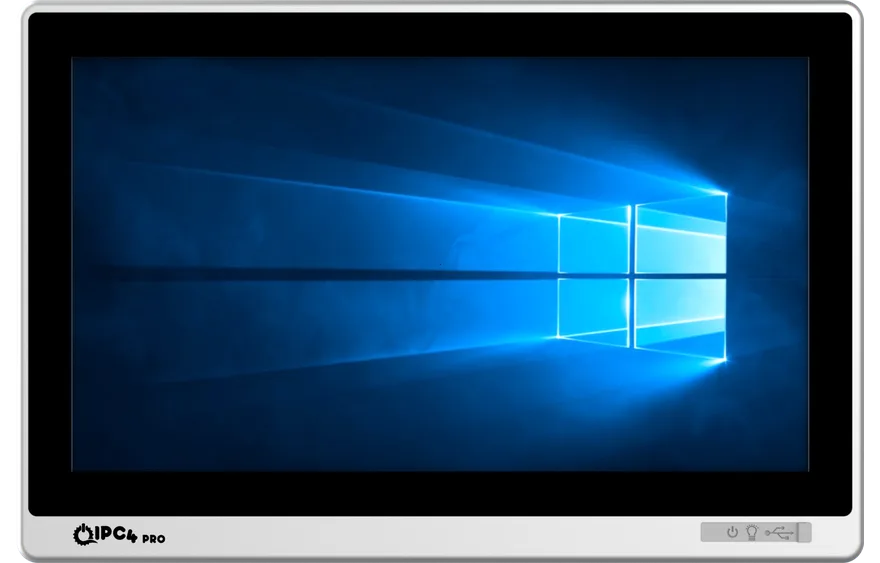
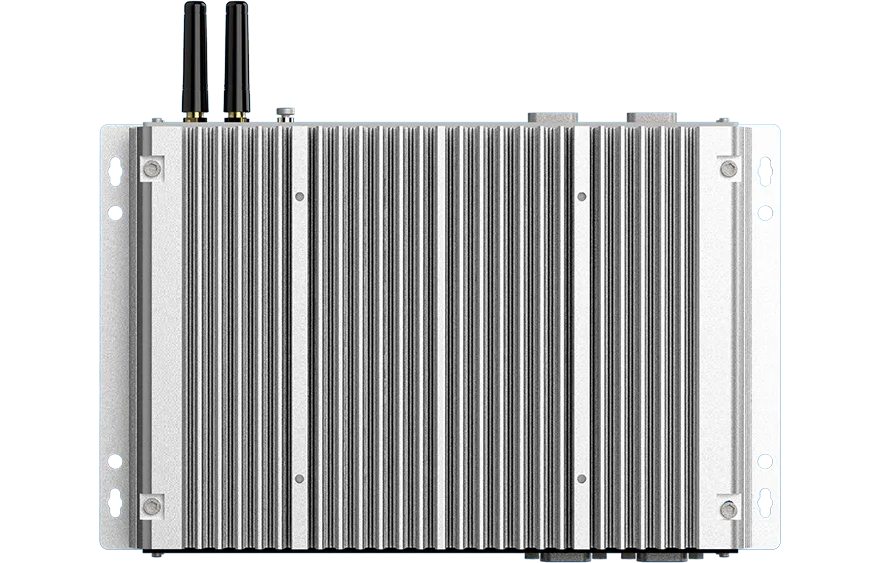
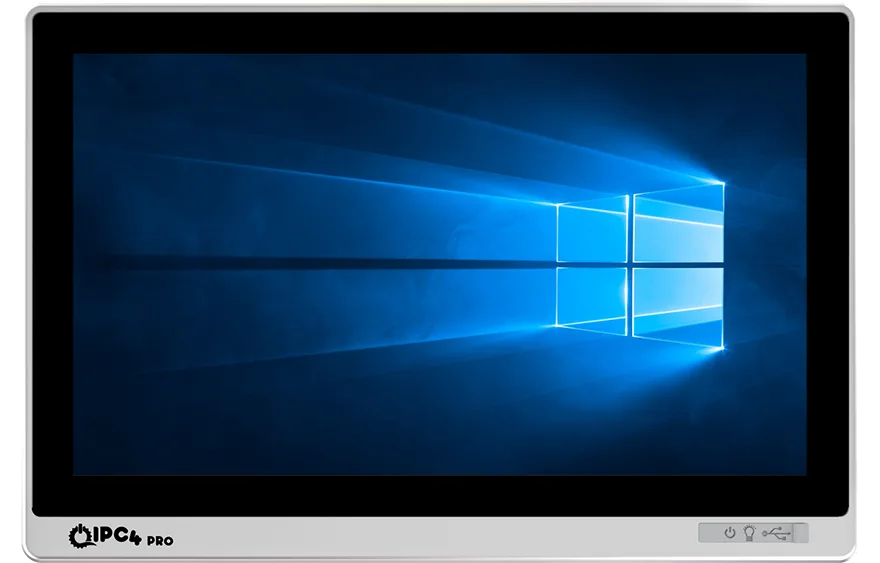
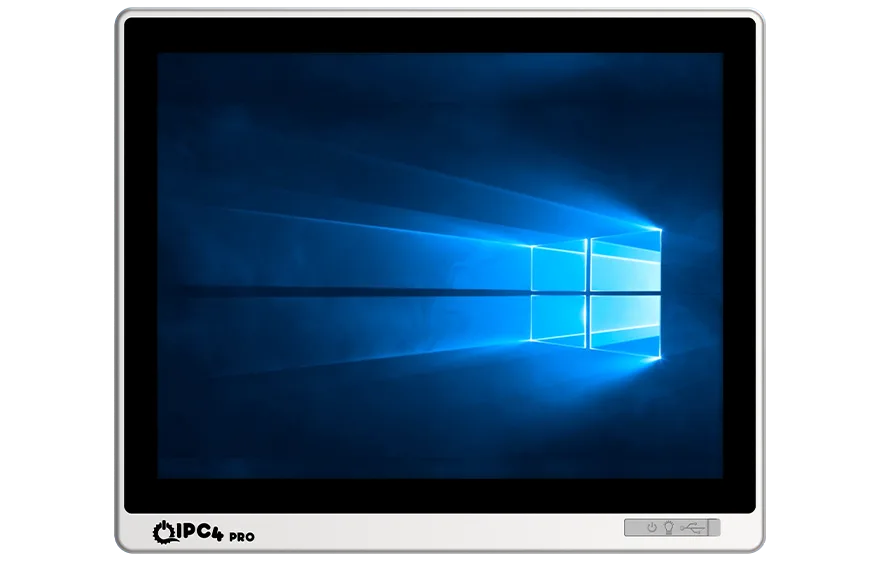
The IPC4PRO and IPC4 industrial panel PCs developed by ICC Digital are specifically optimized for TIA Portal and WinCC projects. Together with the AAEON industrial computer family, these systems offer high stability in PROFINET communication, PLC access, WinCC SCADA, and Edge AI tasks.
This guide is prepared for professionals who want to install, license, and run Siemens engineering software completely on IPC4PRO, IPC4, and AAEON hardware.
1. Hardware and System Requirements
Siemens TIA Portal V17 and later need high processing power and a stable network. Fanless IPC4PRO and AAEON industrial Panel PCs meet those requirements in full.
| Component | Minimum Requirement | Recommended Configuration |
|---|---|---|
| Processor | Intel Core i3 | Intel Core i5 / i7 (AAEON 12th Gen or IPC4PRO G2) |
| RAM | 8 GB | 16 GB DDR4 / DDR5 |
| Storage | 20 GB free space | 512 GB NVMe SSD |
| Display | 1024x768 | 1920x1080 Full HD (IPC4PRO 15.6” – 21.5”) |
| Network | 100 Mbit/s | Gigabit Ethernet + PROFINET support |
Supported operating systems:
- Windows 10 Pro / Enterprise 64-bit
- Windows 10 IoT Enterprise LTSC 2019
- Windows 11 Pro / Enterprise
- If necessary, Windows Server 2019 / 2022 Standard
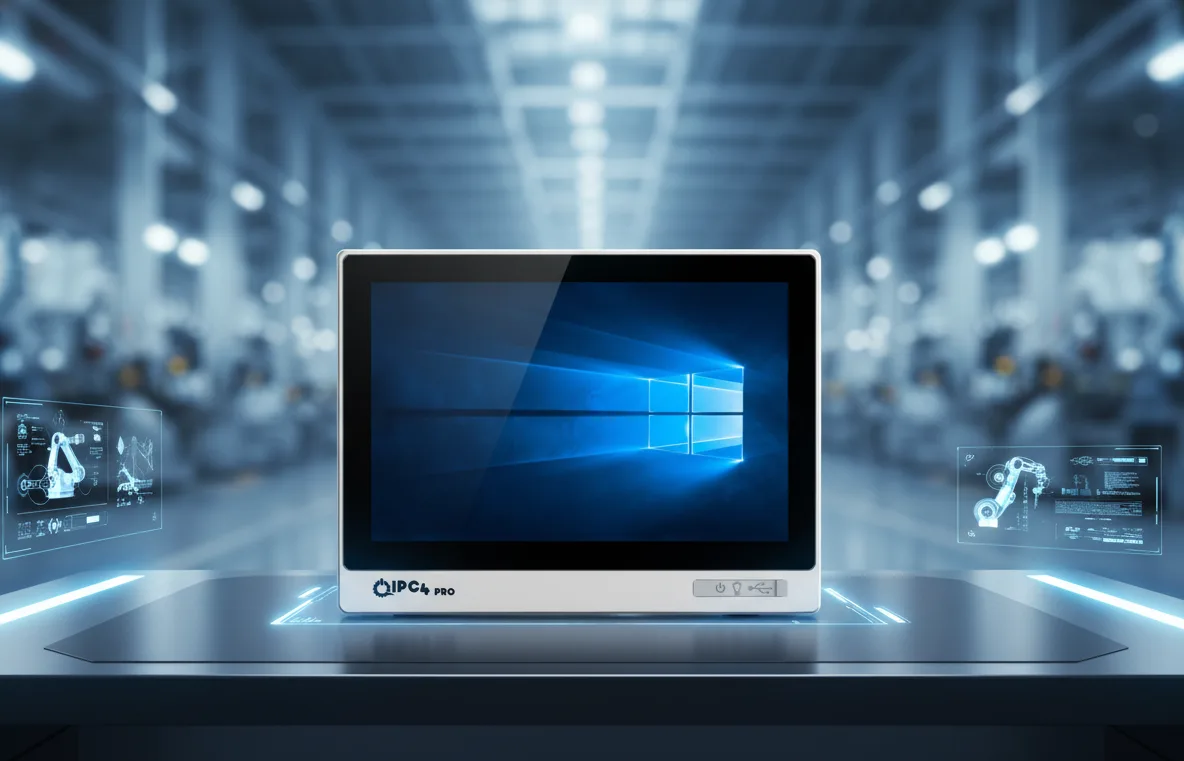
Note: All IPC4PRO and AAEON devices come with PROFINET Ready interfaces. Dual Ethernet ports based on the Intel i226-V or i210-AT allow an isolated link between PLC, HMI and SCADA devices.
2. Why PROFINET Support Matters
PROFINET is the backbone of the Siemens automation ecosystem. WinCC and TIA Portal achieve real-time communication with PLCs through this protocol, making it critical for the industrial computer used to be PROFINET compatible at the hardware level.
IPC4PRO and AAEON industrial computers are directly compliant with the Siemens PROFINET standard and ensure predictable communication performance.
- PLCs automatically recognize the panel PC via the “PG/PC interface”.
- WinCC runtime receives process data in millisecond cycles.
- The device appears instantly as an “Accessible Device” in the TIA Portal hardware scan.
- No IP conflicts or packet loss occur in industrial networks.
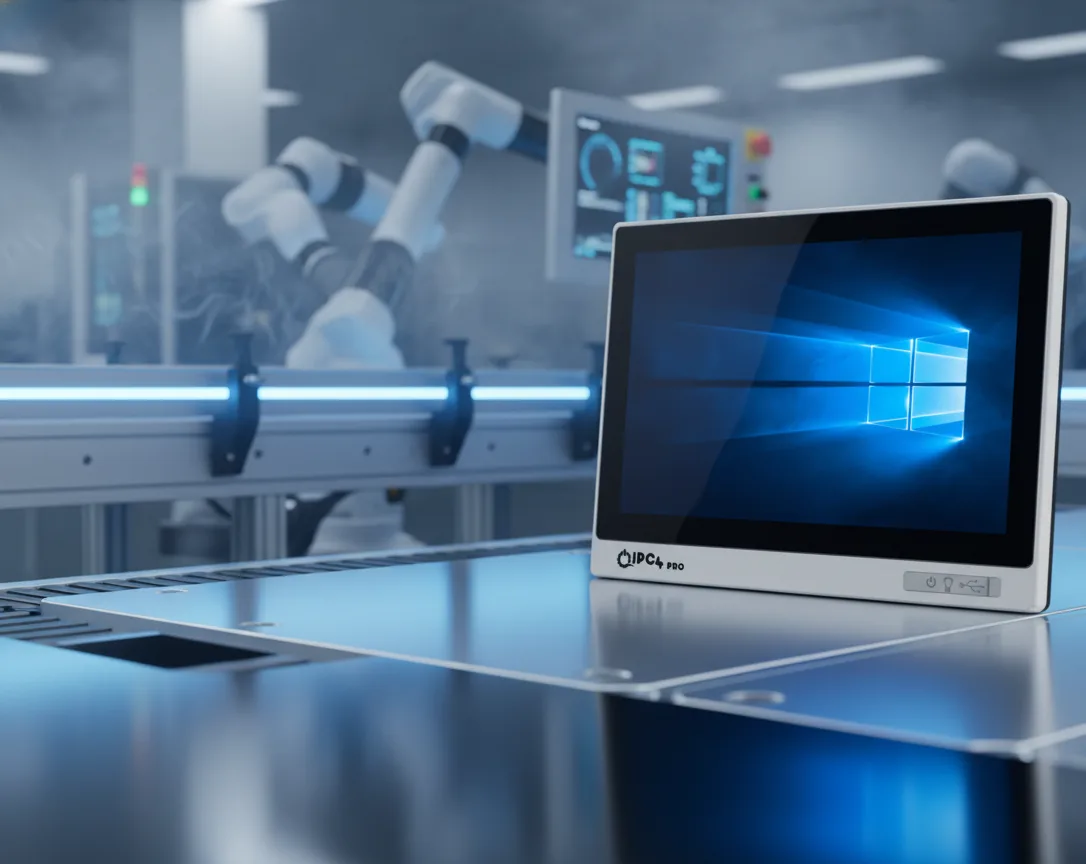
Thanks to the isolated Ethernet ports on the IPC4PRO, both the engineering network (PG) and the machine PROFINET network can be managed from the same panel, removing the need for an extra switch in the field.
3. Licensing and Activation
TIA Portal, WinCC Professional, and WinCC Unified licenses are managed through the Automation License Manager (ALM).
- Permanent license (node-locked)
- Floating (network license)
- 21-day trial license
ALM usually comes pre-installed on IPC4PRO and IPC4 systems; on AAEON platforms it can be downloaded from the Siemens portal once the operating system image is installed. Until the licence shows as active in ALM, the software runs in demo mode only.
4. Technical Preparation Before Installation
- Enable .NET Framework 3.5 SP1.
- Ensure Windows Update is up to date.
- Temporarily disable antivirus software.
- Test Ethernet ports: Assign LAN1 on IPC4PRO to the PROFINET network and LAN2 to the corporate LAN.
- Keep the virtualization (VT-x) option enabled in BIOS.
- Take a full system backup with the ICC Digital “IPC4 Image Backup” tool.
These steps are critical for the stable operation of SQL Server-based WinCC components.
5. TIA Portal Installation
- Download the TIA Portal V17 ISO package from the Siemens portal.
Setup.exeand run the file as administrator.- Typical Installation (Step7 + WinCC + PLCSIM) option.
- Leave the installation directory as default.
- Allocate 40–60 minutes for the installation process.
- Restart the system.
After installation, a shortcut for TIA Portal V17 will be added to the desktop. Compilation times are on average 25% shorter in the IPC4PRO G2 series.
6. WinCC Professional Installation
WinCC Professional is the classic PC-based SCADA solution. Thanks to the fanless design and SSD storage, IPC4PRO and AAEON systems are suitable for running WinCC continuously 24/7.
- Install the “WinCC Runtime Professional” component.
- SQL Server Express will be installed automatically.
- Transfer the license via ALM.
- Open ports 1433, 1434, and 7777 in the firewall.
- Upload your project to the device via “Download to Device” in TIA Portal.
Configure WinCC runtime to start automatically when the panel PC is powered on. The IPC4PRO BIOS “Power Restore” function brings the system back online after power outages.
7. WinCC Unified – Next Generation Web SCADA
WinCC Unified is an HTML5-based SCADA environment. It works seamlessly on high-performance panel PCs like AAEON BOXER-8310AI or IPC4PRO 215W-i510-1135G7.
- Download and run the “WinCC Unified Runtime” installation package.
- During installation, IIS and HTTPS certificate will be configured automatically.
- “Station Configurator” simgesi sistem tepsisine eklenir.
https://localhost:8092to test the runtime.- Set the Secure Download password.
On the IPC4PRO G2 series, WinCC Unified kiosk mode can start automatically when Windows boots, removing the need for operator intervention on production line panels.
8. PROFINET Configuration and TIA Portal Integration
Select the correct Ethernet port from the PG/PC Interface section within TIA Portal. IPC4PRO and AAEON devices appear as “Intel PRO/1000 Compatible (PROFINET)” interfaces.
In the PROFINET network:
- IP addresses are assigned in the range of 192.168.x.x or 10.x.x.x.
- PLCs are listed instantly in the “Accessible Devices” window.
- The inter-device latency is between 1–3 ms.
- WinCC runtime processes PLC data in real-time over the same network.
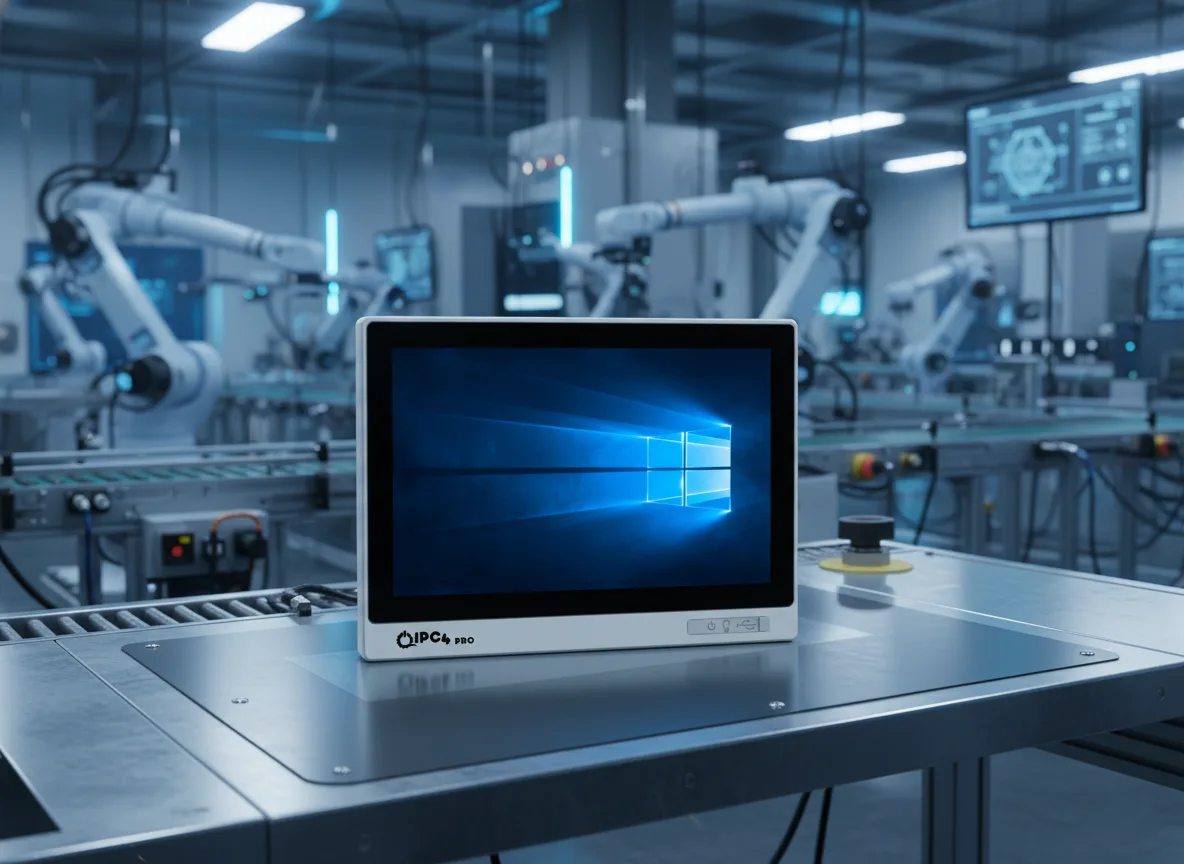
The dual Ethernet layout of the IPC4PRO lets you connect one port to the PLC network and the other to the factory LAN, isolating the engineering station from the production line and improving both security and performance.
9. Security, Backup and Optimisation
- Enable the Secure Download feature in TIA Portal projects.
- Back up WinCC archive folders weekly.
- Define exceptions for Siemens folders in antivirus software.
- Keep the IPC4PRO thermal control software active.
- Ensure the SSD TRIM function is enabled.
- Strengthen network security with PROFINET VLAN segmentation.
10. Conclusion
Siemens TIA Portal and WinCC are like the brain of industrial automation systems. The hardware chosen for the stable and high-performance operation of these software applications must be an industrial-grade panel PC.
IPC4PRO and IPC4 industrial panel PCs, along with AAEON industrial computers, provide the ideal platform for TIA Portal and WinCC projects:
- Native PROFINET communication support
- Fanless, long-lasting design
- Industrial temperature resistance
- 24/7 operational reliability
The IPC4PRO industrial panel PC focuses on engineering performance, IPC4 sets the new standard for stability in the field, and AAEON is the leader in automation computers on a global scale.