








In today's digital world — whether in a consumer computer or a complex industrial control unit — the central processing unit (CPU) sits at the heart of system performance. As the brain of the system, the CPU is the most critical component, governing all data processing, computation and control.
So, what makes a processor "good"? Why do some systems operate at lightning speed while others struggle even with the simplest tasks? In this detailed study, we examine the fundamental concepts that determine processor performance, architectural differences, and the impacts of these factors in real-world scenarios from a technical perspective.
1. What is a CPU? The Core of Basic Tasks and Performance
The CPU (Central Processing Unit) is defined as the brain of a computer. This critical component is the most important element that determines the overall performance of the computer.
Its primary function is to manage all the main operations required for the system to function. These tasks include:
- Performing all calculations
- Processing data
- Sending commands to other components of the computer (RAM, graphics card, storage, etc.)
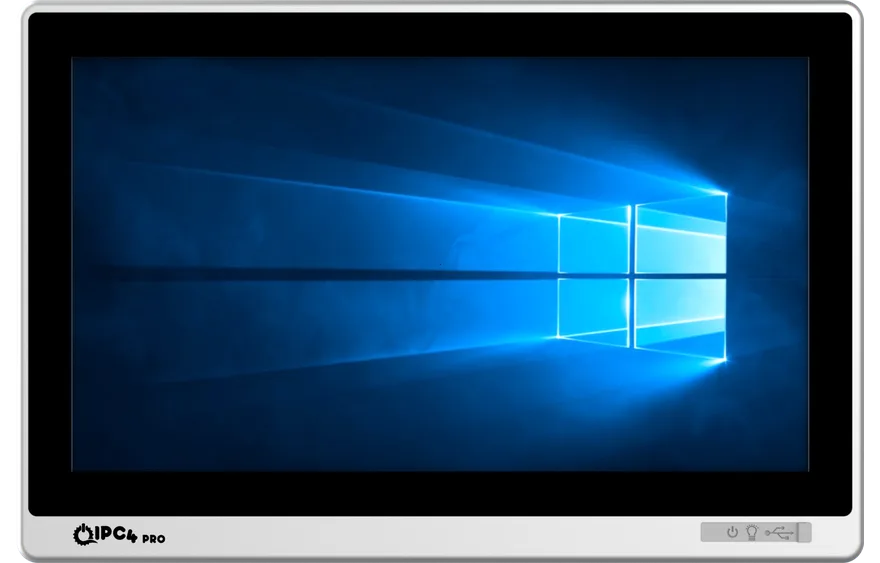
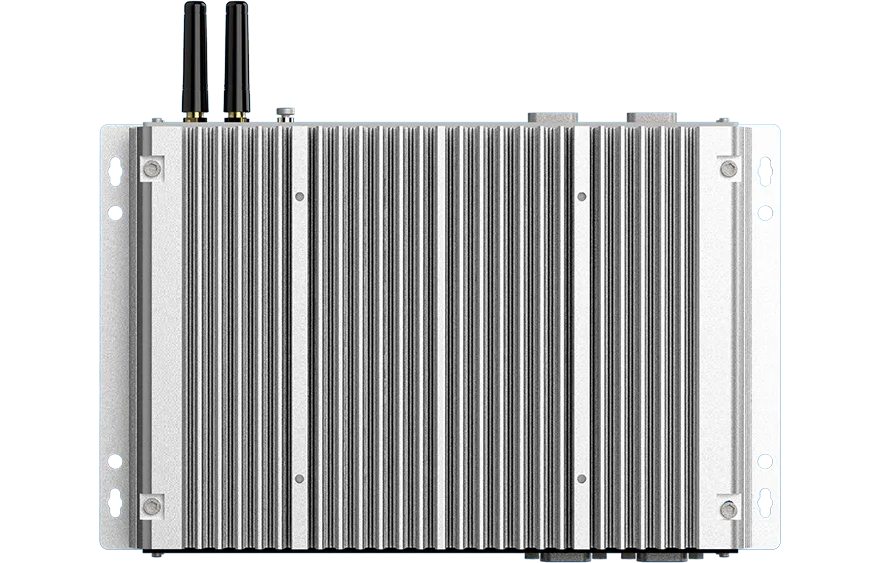
In industrial computers (IPCs) in particular, the choice of CPU directly affects overall stability, uptime and processing capacity. Insufficient processing power can cause delays on the production line, data loss or errors in control mechanisms. Choosing the right processor is therefore not just a technical detail but a foundation of operational efficiency.
2. The Building Block of Performance: Cores and Parallel Processing
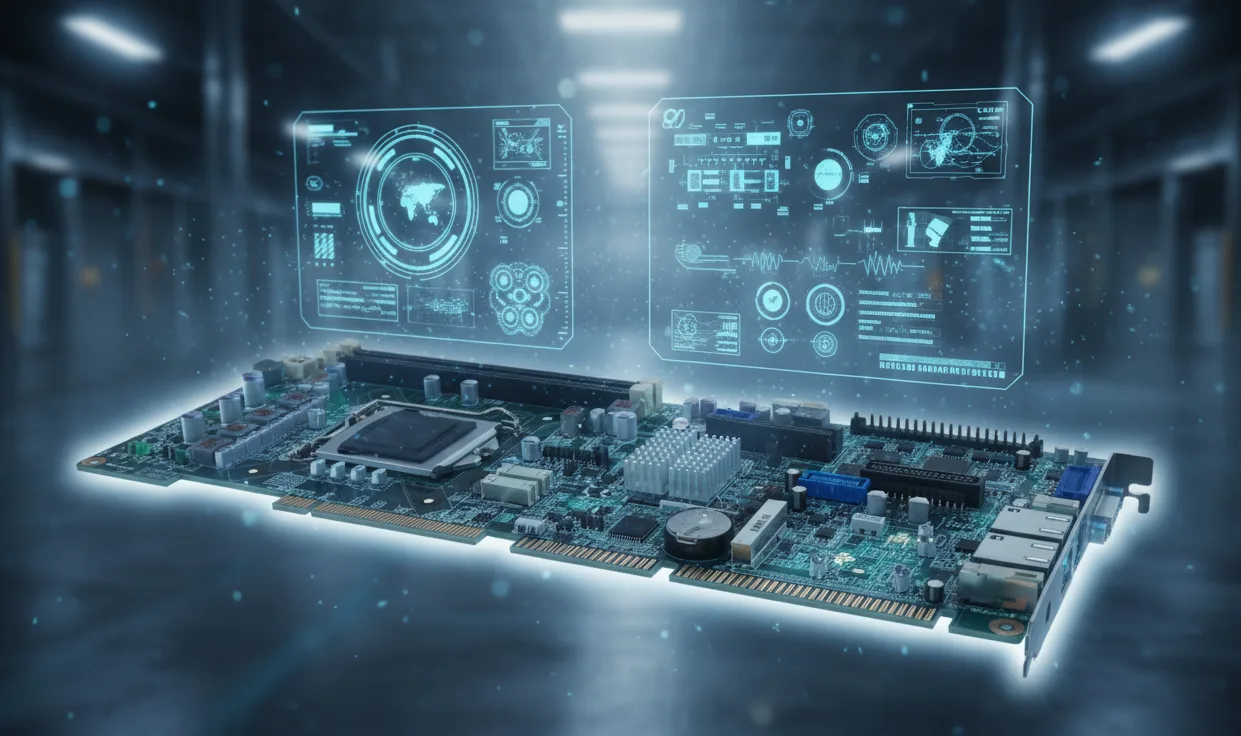
To understand a processor's performance, it is essential to know the concept of "core." In its simplest definition, a core is an independent processing unit within the CPU.
Each core has the ability to perform operations independently. This introduces the concept known as "parallel processing."
- Single-Core Processors: In the past, processors would complete a single task from start to finish before moving on to the next one.
- Multi-Core Processors: Modern processors today have multiple cores. This allows them to perform multiple tasks simultaneously, significantly enhancing the system's overall multitasking performance.
The Impact of Core Count on Performance
The number of cores allows the processor to increase its parallel processing power, enabling it to perform more tasks at the same time. A four-core processor can theoretically handle four different tasks simultaneously, while an eight-core model doubles this capacity.
This situation creates a noticeable performance difference, especially in resource-intensive operations. For example:
- Video editing (rendering) and 3D modeling
- Artificial intelligence (AI) applications and machine learning
- Complex SCADA systems and automation processes
- Modern games and simulations
Software developers and operating systems are now optimized to get maximum efficiency from multi-core architectures. Thus, the increase in core count directly reflects on overall system performance and smoothness.
3. Advancements in Technology: Processor Generation (Architecture)
When following the processor market, we often hear the term "new generation." Processor generation refers to the advancements in the manufacturing technology and architectural design of the CPU.
Each new processor generation is produced with more advanced manufacturing technology compared to the previous series. This usually means a smaller manufacturing nanometer (for example, 10 nm or 7 nm instead of 14 nm).
Advantages of New Generation
A new generation processor is generally much more performant than an older generation processor (even if they have the same core count and clock speed). The reasons for this include:
- Efficiency and Heat Management: New generation processors consume less energy, generate less heat, and respond to commands faster. This results in fewer failures, longer lifespan, and more stable operation in industrial systems.
- Architectural Improvements: Thanks to advanced manufacturing technologies, they run cooler while providing higher performance.
- Cache and Data Bus Improvements: Modern processors perform operations much faster with quicker data access and more efficient cache management.
- Enhanced Security: Modern architectures offer significant improvements in both data processing capacity and hardware security vulnerabilities.
Disadvantages of Old Architecture
Using an older generation processor has clear drawbacks. Older architectures fall short on advanced cache management and modern data processing techniques. High power consumption, overheating and the resulting throttling are common. And because today's software is optimised for newer architectures, older processors can bring compatibility problems.
4. Measuring Speed: Clock Speed and Turbo Speed
The two most important factors determining processor speed are clock speed (Clockspeed) and turbo speed (Turbo Speed). However, these two concepts are different and affect performance in various ways.
1. Clockspeed (Base Clock Speed)
- Definition: Determines the number of processing cycles the processor performs per second.
- Unit: Typically measured in GHz (Gigahertz).
- Meaning: A high clockspeed indicates that the processor can perform more operations per second in each core. This is the guaranteed base operating speed of the processor.
2. Turbo Speed (Turbo Speed)
- Definition: The maximum speed the processor temporarily reaches during intense processing moments (within thermal and power limits).
- Benefit: This feature provides a short-term performance boost, helping critical tasks to be completed faster. The processor experiences a burst of power, exceeding its normal base clock speed. This provides significant advantages, for example, during video rendering, sudden data analysis, or production line synchronization.
5. Seeing Real Performance: Benchmark Tests and Decision Making
One of the most common mistakes made when evaluating performance is looking only at clock speed (Clockspeed). The theoretical speed values of a processor alone do not provide sufficient information.
Benchmark refers to standardized test results that measure the performance of the processor and other computer components. Benchmark scores numerically reveal the core efficiency, architectural efficiency, cache management, energy consumption, and multitasking performance of the processor.
5.1. Interpreting Benchmark Scores: Example of www.cpubenchmark.net
To go beyond theoretical data, reference sources like www.cpubenchmark.net present comparative test results of processors. These platforms assign a numerical score to processors based on data collected from thousands of different systems. This makes it possible to "see which processor performs better."
When analyzing the data on these sites, it is critical to focus on two main metrics:
1. Multi-Core Score:
- This score reflects the total performance of the processor when all its cores are running at full load simultaneously.
- Importance: This is the most important performance indicator for video rendering, 3D modeling, scientific calculations, server applications, and modern, multi-threaded software.
2. Single-Core Score:
- This score measures the speed of only one core of the processor in a single task.
- Importance: Although often overlooked, this metric is vital for the overall "responsiveness" of the system (the speed of application launches, transitions between menus). Additionally, older software, some automation scripts, or many games and applications that are not fully optimized for multi-core are primary performance determinants.
5.2. Decision Making with Direct Comparison: Comparison Tool
One of the most valuable tools in the decision-making process is the https://www.cpubenchmark.net/singleCompare.php (or similar "Processor A vs Processor B" comparison) pages.
These tools allow you to select two or more processor models and see all critical performance metrics side by side. This comparison screen enables you to make an informed decision as an engineer or end-user:
- Performance Comparison: You can clearly see where "Processor A" stands in both single-core and multi-core performance compared to "Processor B."
- Price/Performance Analysis: You can determine which of two processors offering similar performance is more cost-effective.
- Power Consumption (TDP): Comparison tables often list the Thermal Design Power (TDP) values of processors as well. This is critical data when designing industrial, fanless, or compact systems. A lower TDP means less heat generation and lower energy consumption.
5.3. The Relationship Between Benchmark and Architecture: Technical Scenarios
Two common scenarios that arise when examining benchmark data highlight the importance of architecture:
Scenario 1: High Clockspeed, Low Benchmark Score
- Meaning: This situation indicates that although the processor's clock speed is high on paper, it has an old or inefficient architecture.
- Result: In older architectures, high clock speed often leads to issues such as high energy consumption and overheating, while the amount of work completed per cycle (IPC - Instructions Per Cycle) is low.
Scenario 2: Low Clockspeed, High Benchmark Score
- Meaning: Despite a low base clock speed, processors with modern and optimized architectures can yield much better results in benchmark tests than expected.
- Why: Here, factors such as advanced architectural improvements, efficient cache management (L1-L2-L3 cache), better branch prediction, and enhanced energy efficiency come to the forefront. A modern processor completes much more work efficiently in each clock cycle.
In summary: Clock speed alone is not enough to judge processor performance. Benchmark scores account for core structure, architectural efficiency (IPC), turbo technology and other improvements, giving a more complete and realistic picture.
6. Choosing a Processor for Industrial Systems, and the Power Balance
In industrial applications (Industrial PC, Embedded Systems), processor selection requires different criteria than a standard desktop computer. Here, the focus is not just on raw speed; reliability, stability, and efficiency are essential.
Thermal Design Power (TDP) and Thermal Balance
Energy efficiency and thermal balance in industrial platforms are critical for 24/7 uninterrupted operations. Low-power (low TDP) processors generate less heat and allow for the use of fanless (passive) cooling systems. This ensures that the device operates quietly, efficiently, and lasts longer. This is a necessity in challenging environments such as dust, vibration, and high temperatures.
Dynamic Power Management
Modern processors support technologies that automatically adjust their frequency based on load conditions (Dynamic Frequency Scaling). This way, the system only ramps up to full performance when necessary and avoids unnecessary energy consumption during idle times.
Long-Term Supply and Stability
Industrial-grade processors are designed to withstand 24/7 operating conditions and offer long-term supply guarantees. This is a critical assurance for robotic control systems on production lines, machine vision applications, and data acquisition (DAQ) software.
Conclusion: Efficiency, Reliability, and Preparedness for the Future
Processors are the unseen yet most critical components of modern digital systems. In the industrial world, processor selection is not just a hardware decision but also a strategy for efficiency, continuity, and competitiveness.
Result: Choosing the right processor extends the project's lifespan, reduces maintenance costs, and maximizes the overall efficiency of the system. By identifying your needs (gaming, office tasks, design, automation) and considering these fundamental performance metrics (core count, generation, single/multi-core benchmark scores, and TDP), you can select the most suitable "brain" for your system.